
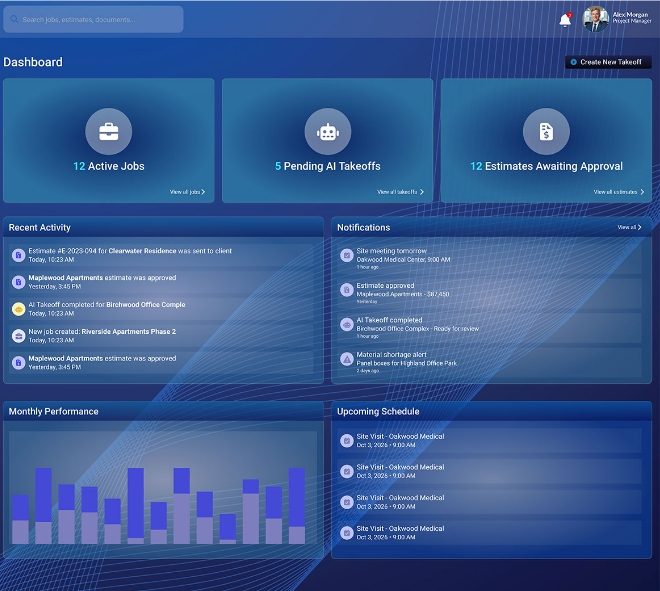
Create and manage unlimited estimates with custom statuses, deadlines, and budget tracking across your entire project portfolio. Assign team members, set roles, and monitor workloads to keep every project on track and every resource accounted for.
Create and manage unlimited estimates and tasks with custom statuses, deadlines, and budget tracking across your entire portfolio.
Assign team members to tasks, set roles, and track individual workloads to ensure balanced resource allocation.
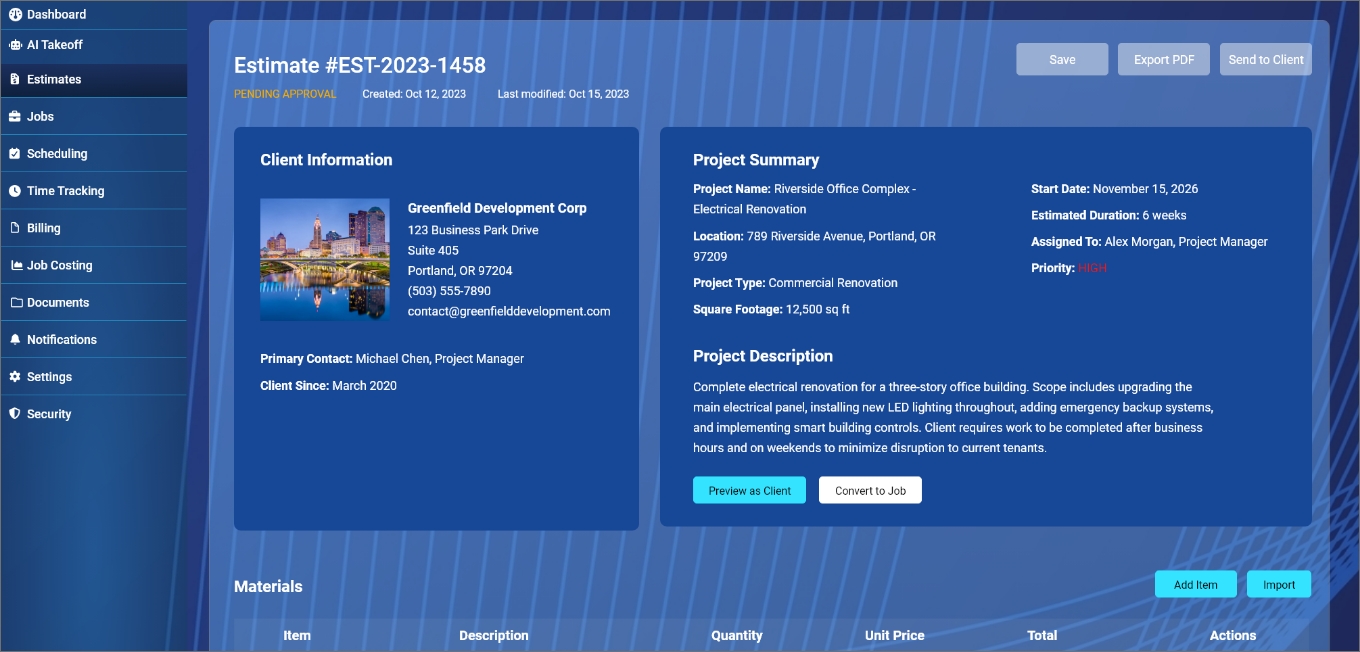
Centralize all documents, specs, and submittals in a structured file system with version control and access permissions
Store, version, and share all your project files in one centralized location. View, annotate, and mark up PDF and CAD drawings directly in your browser or mobile app — no additional software required. With full file versioning, your team always knows which revision is current.
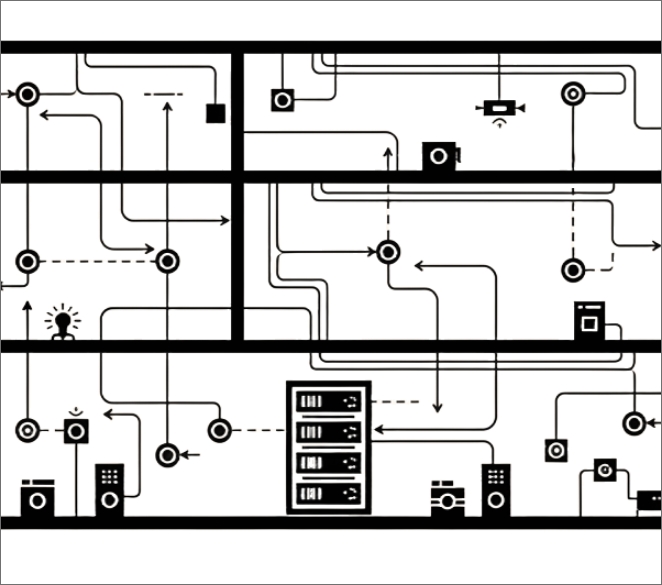
View, annotate, and mark up PDF and CAD drawings directly in your browser or mobile app with full zoom and layer controls.
Keep a full history of every uploaded document so your team always knows which revision is current.
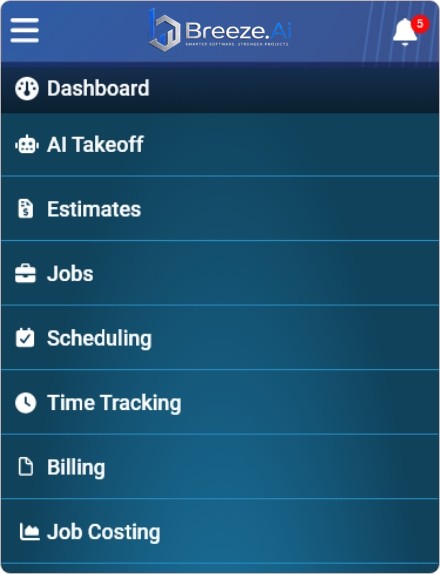
Seamless navigation throughout the application.
Breeze AI's intelligent component detection identifies and quantifies electrical components faster than manual methods, helping you submit more accurate bids in less time. Whether you're working from your desktop or out in the field, your zero-install electrical takeoff software is always within reach.
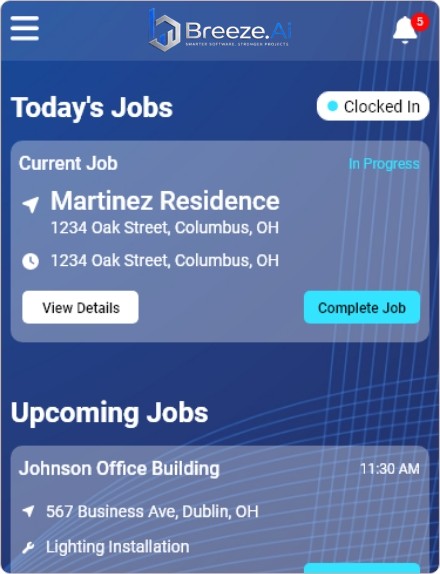
Bridge the gap between your office and your crew. Field teams can access drawings, log hours, submit daily reports, and receive task assignments directly from their iOS or Android devices. Any update made in the office — revised schedules, new drawings, updated task lists — appears on field devices in real time.
Field crews access drawings, submit daily reports, log hours, and receive task assignments directly from their iOS or Android device.
Any change made in the office — new drawings, updated schedules, revised task lists — appears instantly on the field crew's devices.
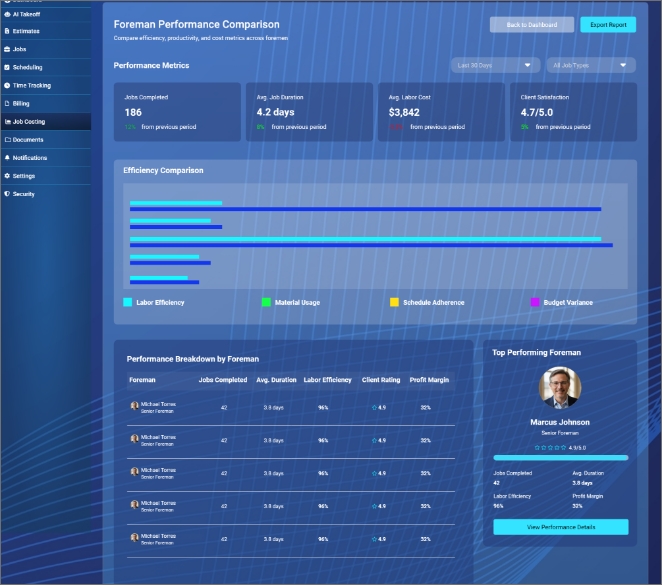
Make confident, data-driven decisions with real-time project intelligence. Track progress, monitor budgets, and identify issues before they become problems.

Join hundreds of electrical contractors who have cut estimating time by 70% and improved bid accuracy with Breeze AI.
Contact Us Start Demo